The C64 graphics tool I always wanted
Every other C64 tool I used did just enough for whoever wrote it, and I always ran into its limits before I ran into the C64’s. Mosaicus is a converter and a pixel editor built around the Commodore 64’s own rules, for a modern computer: drag a slider or paint a stroke and the result keeps up with you.
- Measured, not guessed. Each cell’s colors are chosen for what the dither will actually mix, judged by how a C64 screen looks to the eye. Every method was tuned with care.
- You steer every step. Framing, tone, palette, dither and each format’s colors.
- A pixel editor that knows the rules. A pixel-perfect pencil, live gradients, 26 generated patterns (mazes, 10 PRINT, tartan, starfields), fills, shapes and selections, all kept within the format’s color limits.
- Logos for demos and games. Charset logos fitted into 64 or 256 characters, and multicolor sprite sheets.
- Many C64 formats. From the basic hires and multicolor bitmaps to FLI with sprites. Extreme formats for the Commodore 64 Ultimate, too.
For Windows, macOS and Linux. Free software under the MIT license; its source will be published in the future.
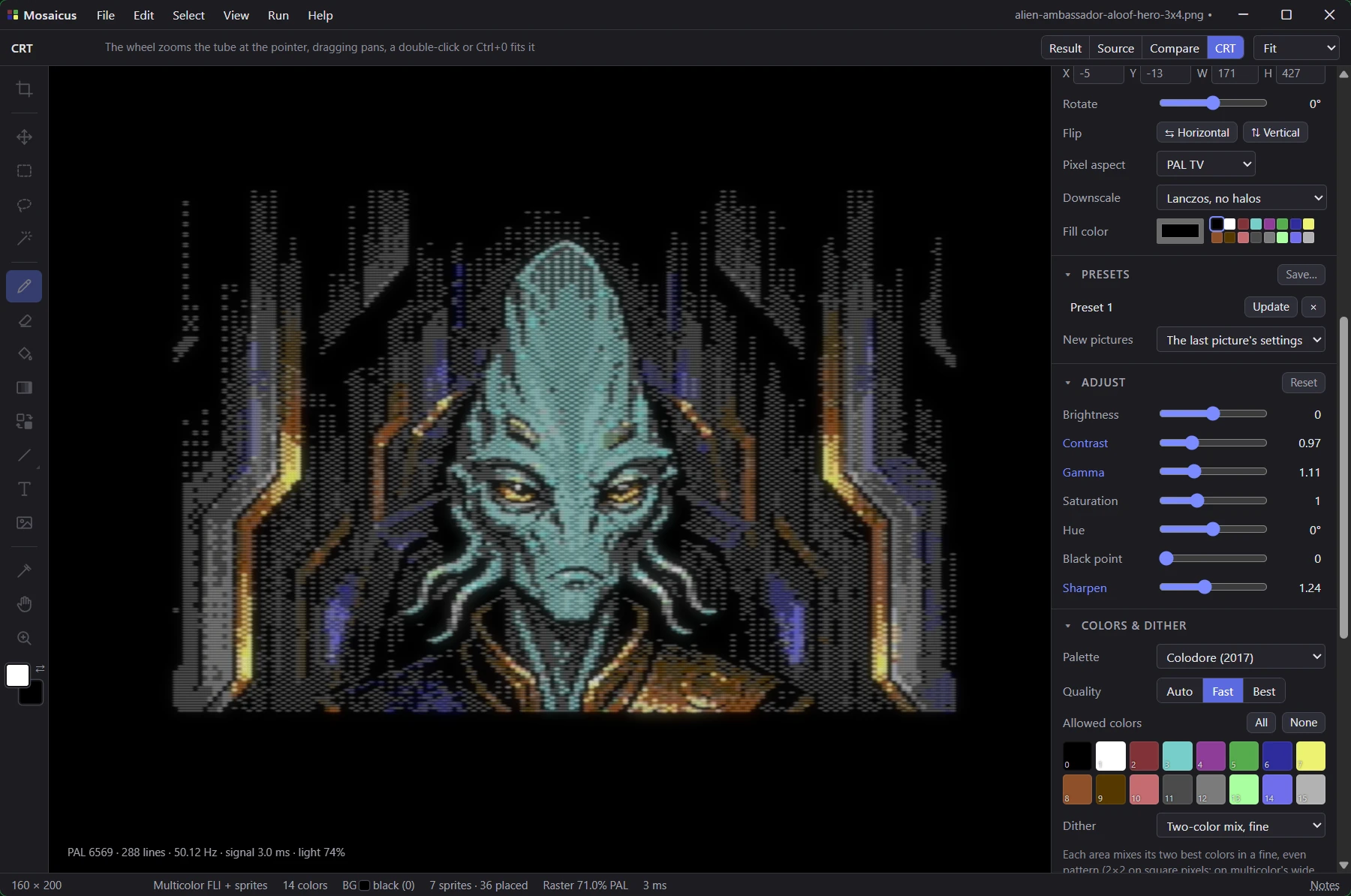
What it does
A converter that thinks about how a C64 screen looks to the eye, and a pixel editor that knows each format's limits.
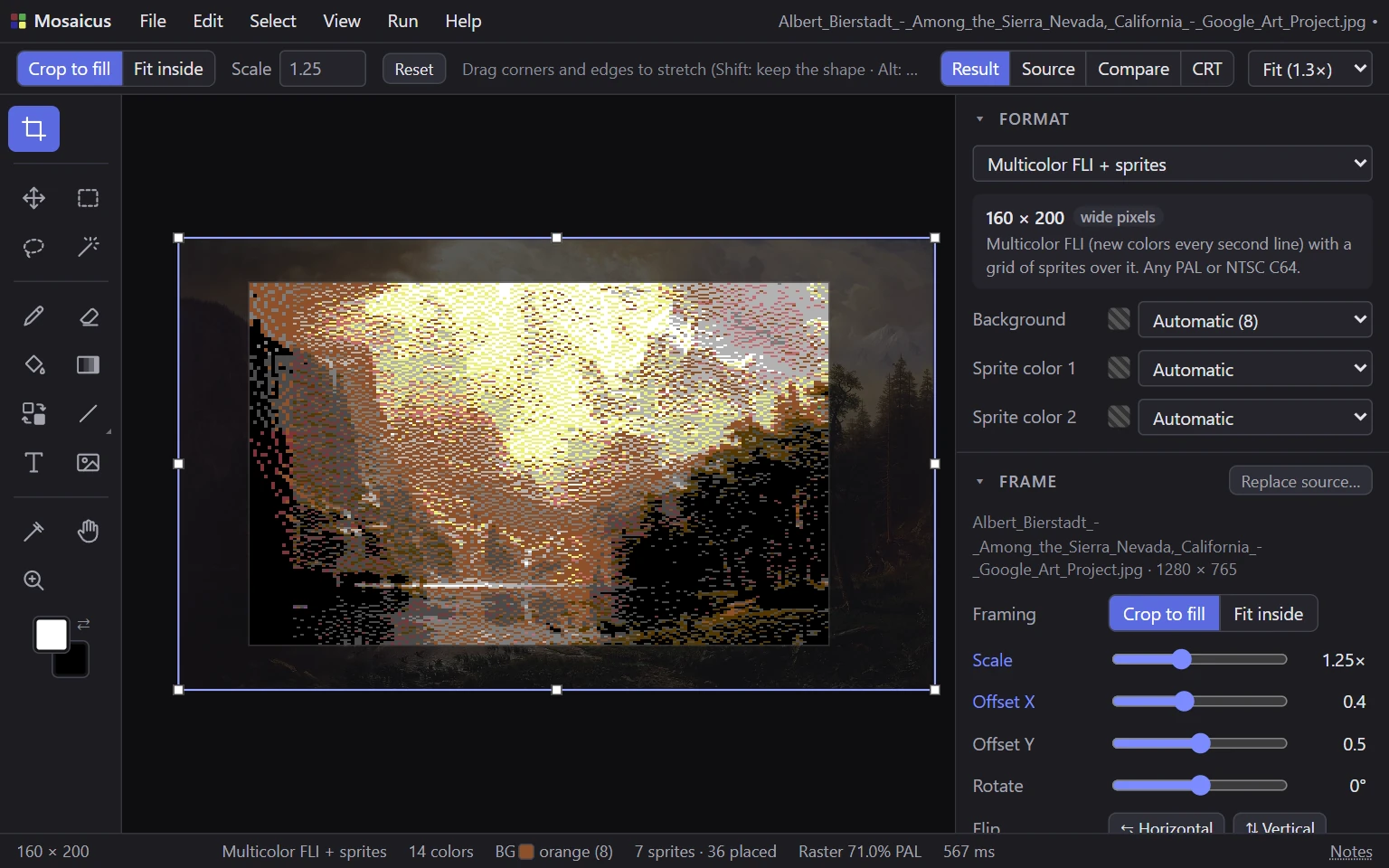
The Frame tool: Bierstadt’s Among the Sierra Nevada scaled and placed, in Multicolor FLI + sprites. Converts any picture
Photos, paintings, pixel art and transparent PNGs, framed by crop or fit, with brightness, contrast, gamma, saturation and more. Pictures already drawn in a C64 format open exactly as they are.
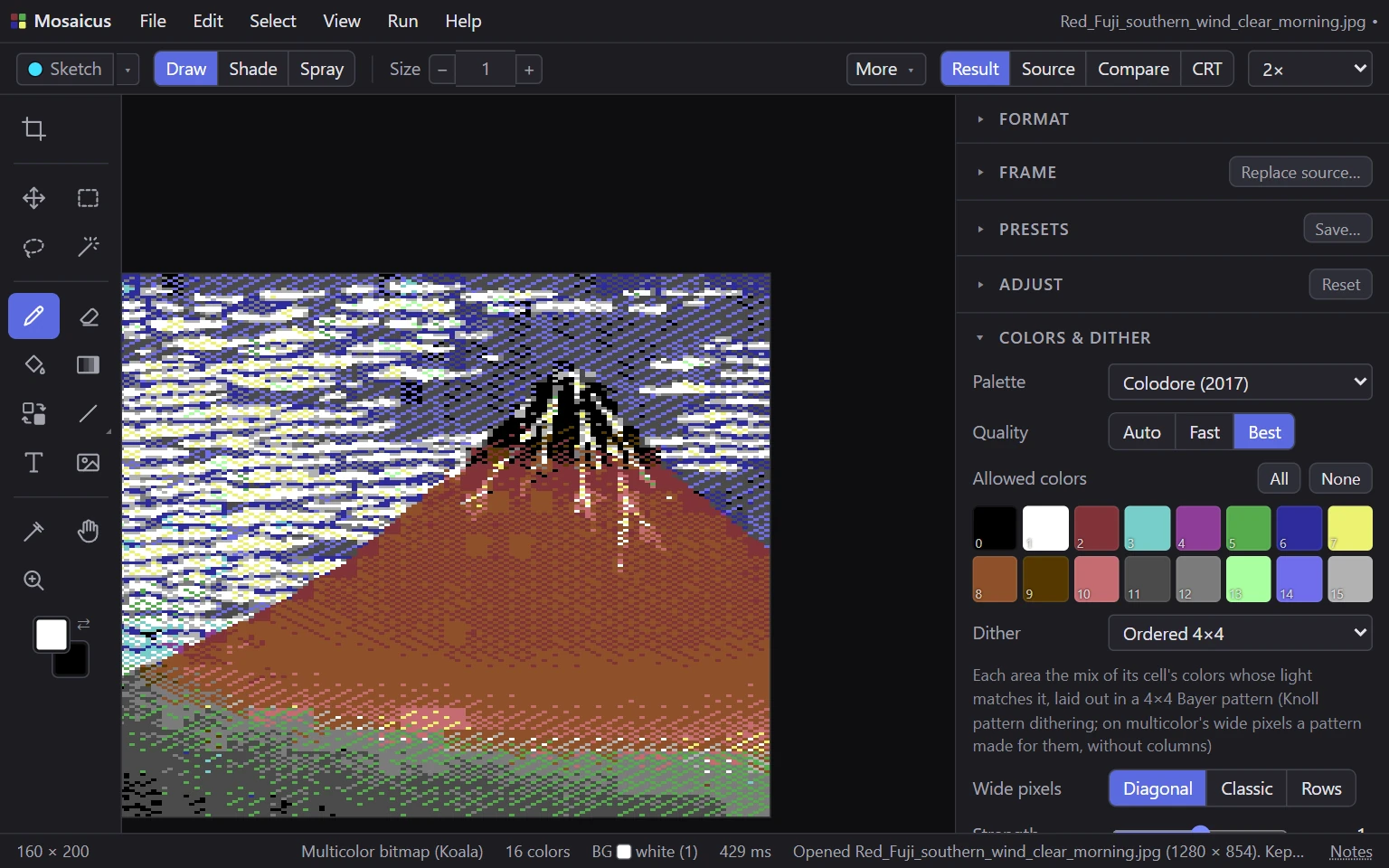
Hokusai’s Red Fuji in Koala with the ordered 4 × 4 dither, at 2×. Dithers your way
Error diffusion (Floyd–Steinberg, Atkinson, Sierra and more), ordered patterns, blue noise and two-color pair mixes, with hard outlines kept clean.
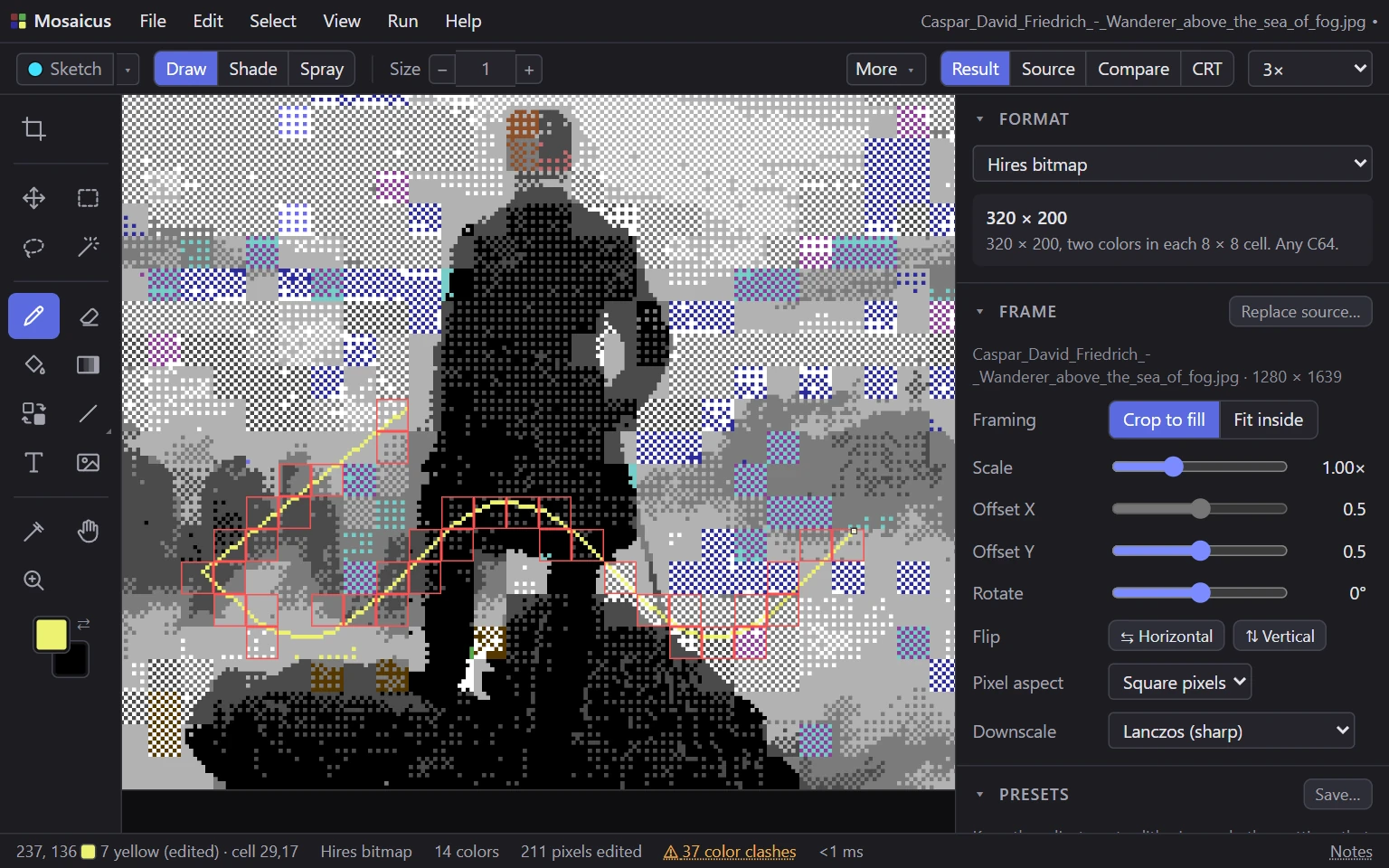
A pencil stroke with clashes allowed: each hires cell it gave a third color is outlined, and the status bar counts them. Paints within the rules
A pixel-perfect pencil, fills, 26 generated fills, a Gradient tool, shapes, text and stamps. Painting recolors the cell, refuses the pixel or marks the clash, as you choose, and exports always keep the format's rules.
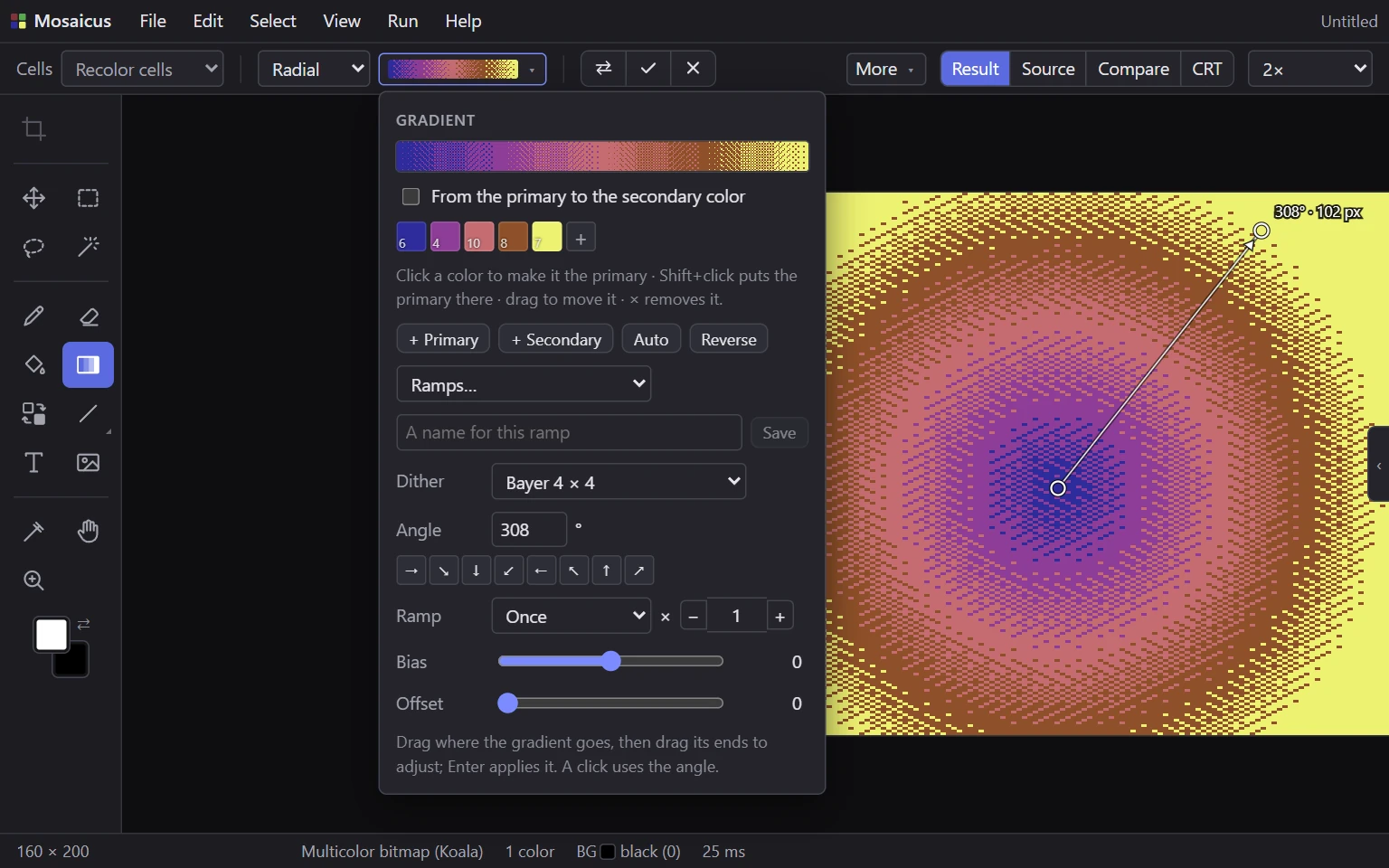
A radial gradient while it’s live, with its settings: the ramp of colors, the dither, the angle and how the ramp repeats. Live gradients
Linear, radial, diamond or conical, through any run of C64 colors, dithered or in bands. A gradient stays live until you apply it: drag its ends, change its colors, dither or ramp, and it follows at once.
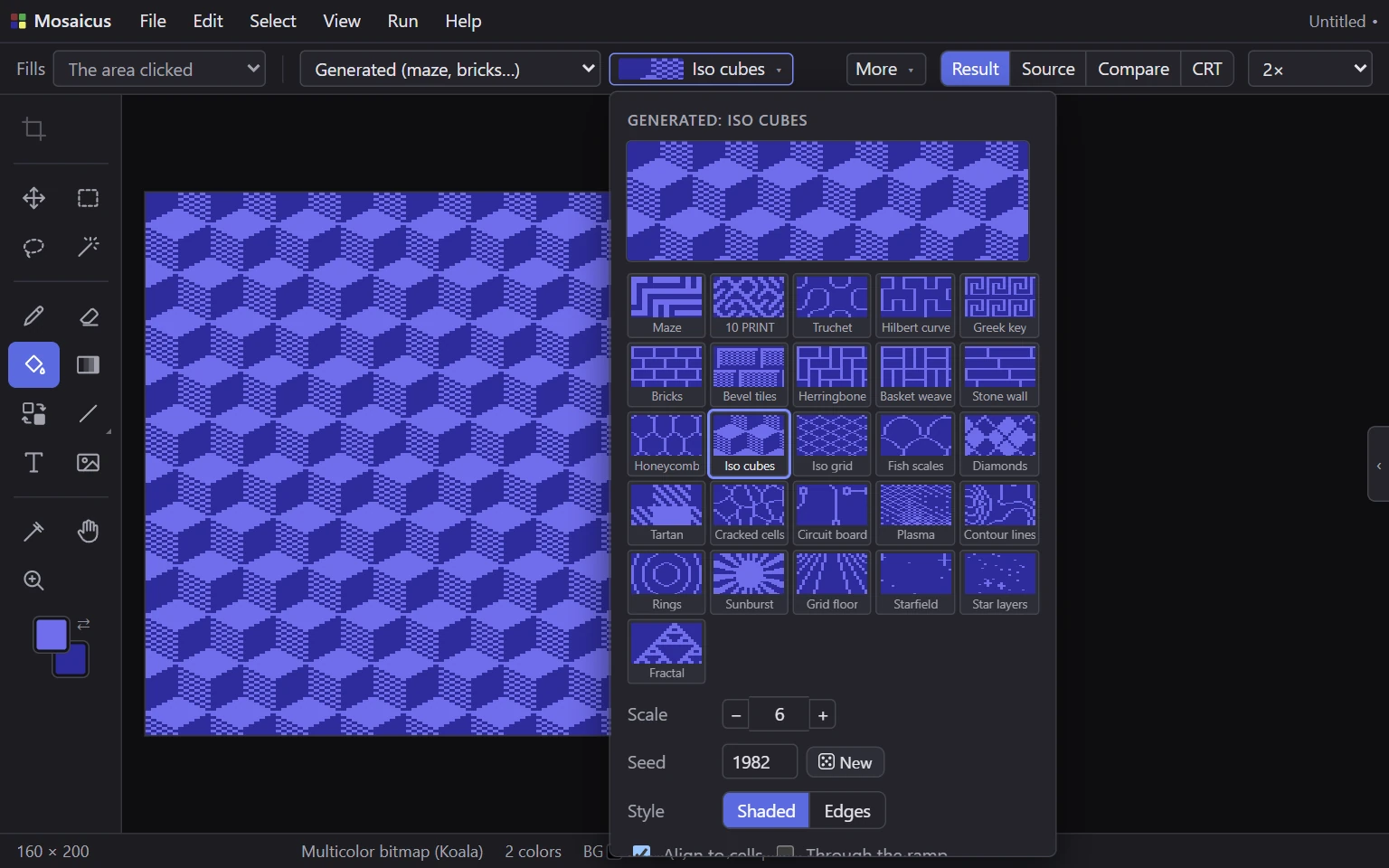
The generated fills, each shown in the paint colors: Iso cubes filling a blank multicolor picture. Generated fills
26 fills made for logo backgrounds and filler: mazes, 10 PRINT, bricks, tilings, tartan, plasma, starfields and more, each with its own settings, laid in the format’s own pixels.
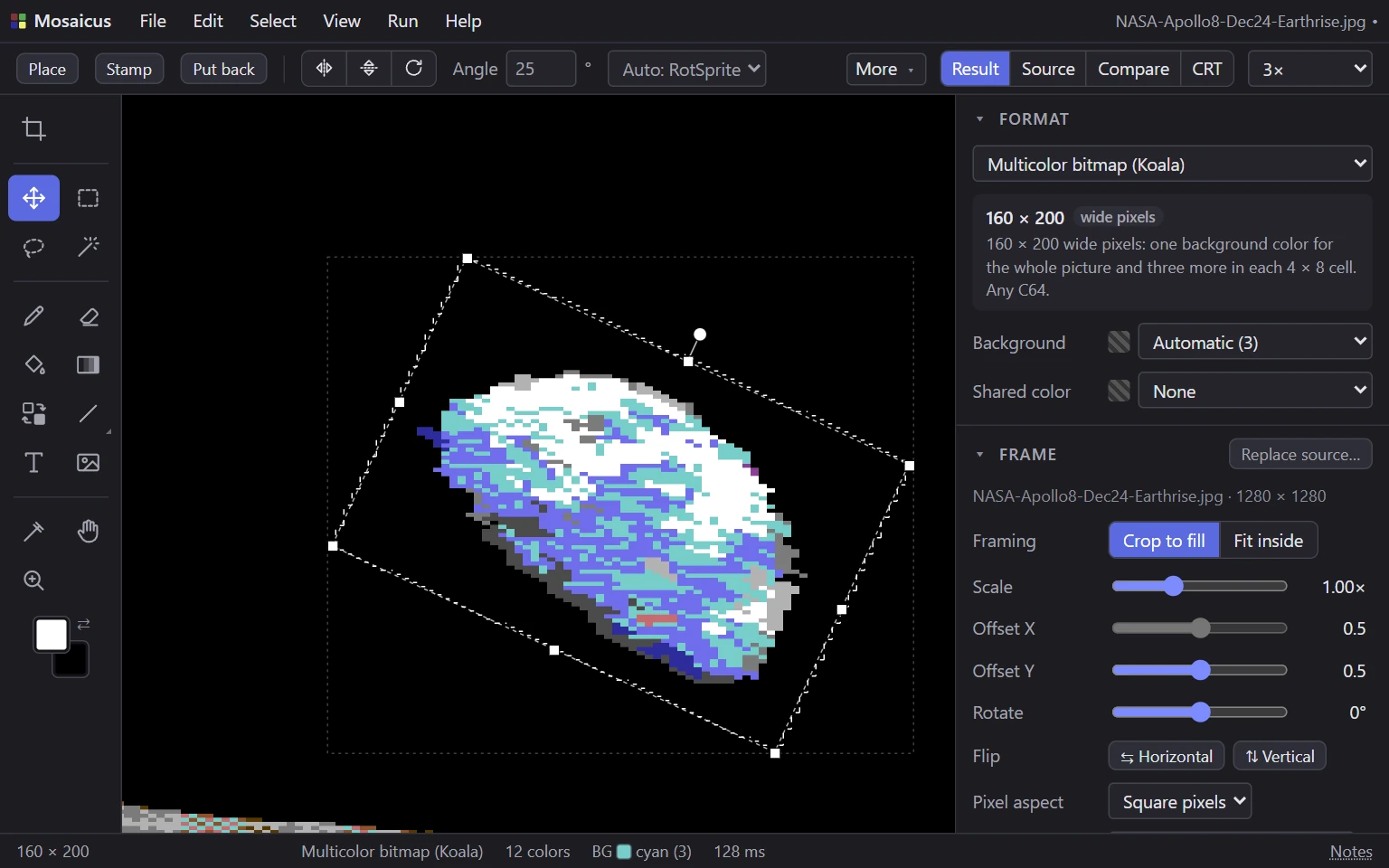
A pasted piece of Earthrise, scaled up and turned 25° with RotSprite. Selections and transforms
Rectangle, lasso and magic wand, saved selections, and floating pieces you can move, flip, scale, outline and turn at any angle with RotSprite.
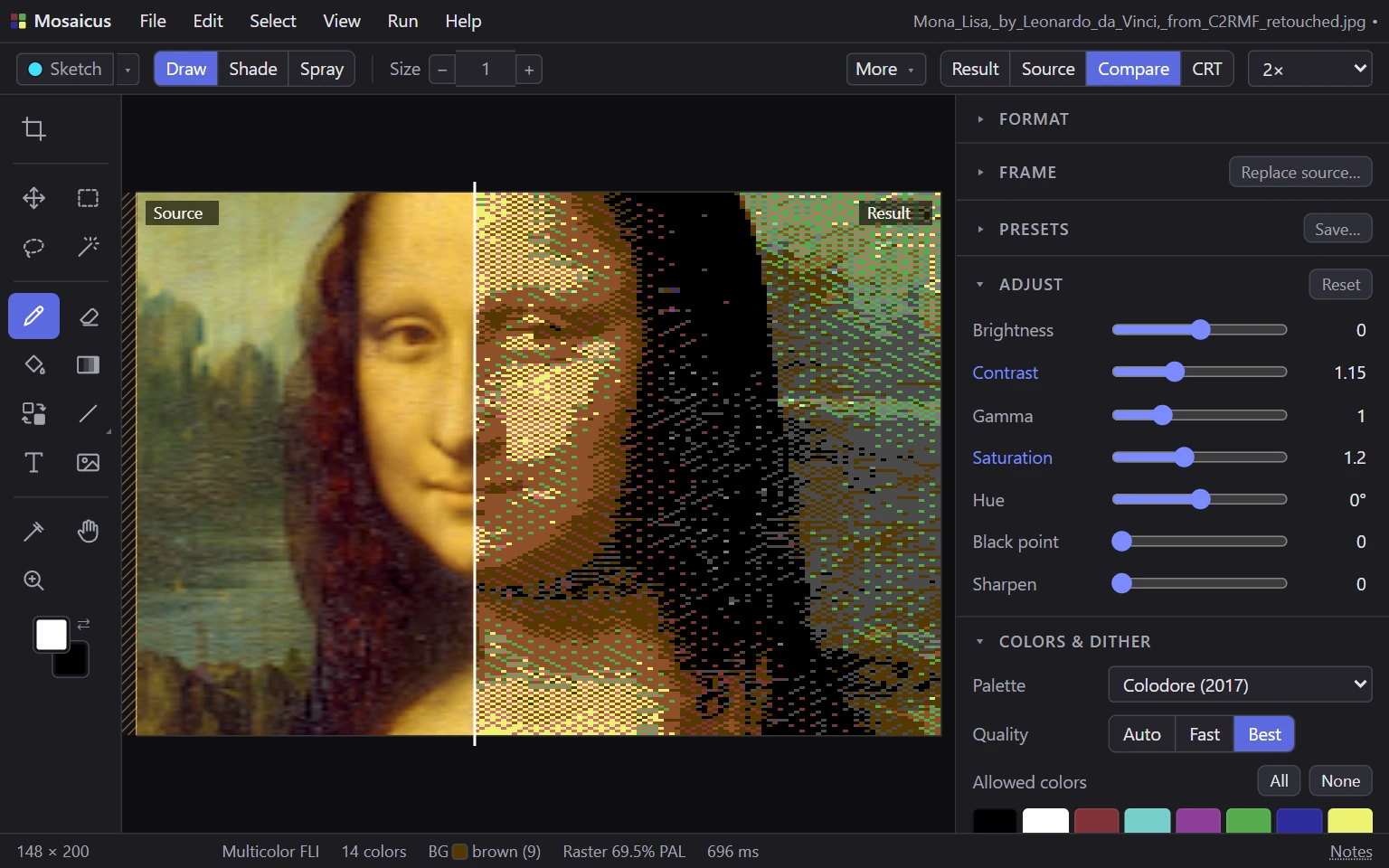
Compare: the source left of the line, the Multicolor FLI result right of it. The Mona Lisa. Checks your work
Compare with the source, see brightness only, find stray pixels and jaggies, trace over the source, and sketch construction lines that are never exported.
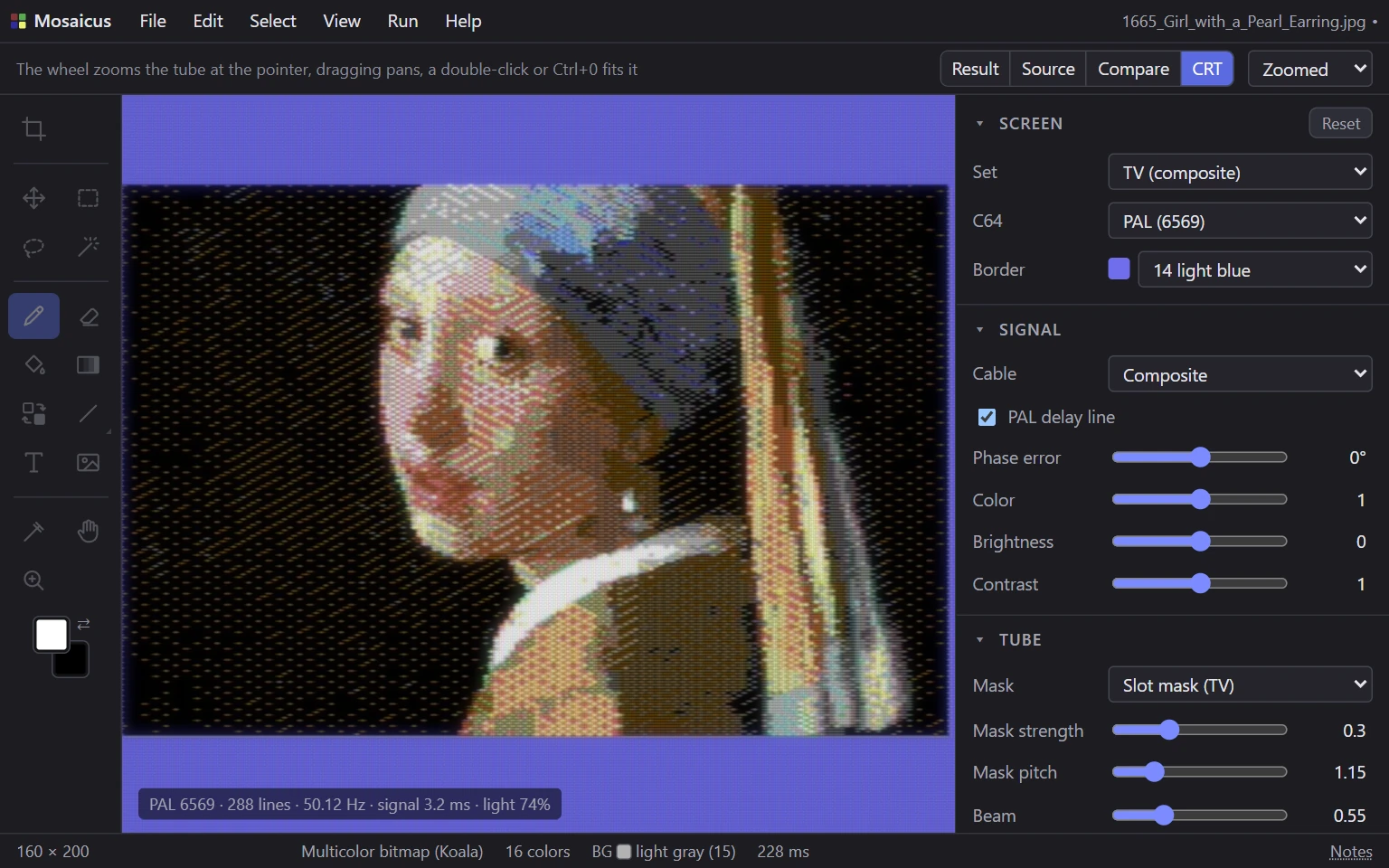
Vermeer’s Girl with a Pearl Earring on a PAL TV over composite, with the Screen, Signal and Tube panels. Shows it on a CRT
A model of a PAL or NTSC TV from the video signal up: composite or S-Video, the delay line, the phosphor mask, the beam and the glow.
Chooses the best pixels
Each cell's colors are chosen for what the dither will actually mix, judged by how a C64 screen looks. A fast conversion while you adjust, refined to best quality when you pause.
Exports what fits
Classic C64 paint program files, raw data, assembly for KickAssembler, ACME or 64tass, PNGs, and a .prg that shows the picture, with its viewer as source you can build.
Runs it on a C64
One key runs the picture in VICE, or on a C64 Ultimate or Ultimate 64 over the network.
Every C64 picture format worth having
From the classic hires and Koala bitmaps every C64 shows, through FLI and sprite overlays, to formats that only a C64 Ultimate at 48 or 64 MHz or a SuperCPU can show. Each conversion keeps to the format's rules exactly, so what you see is what the C64 shows.
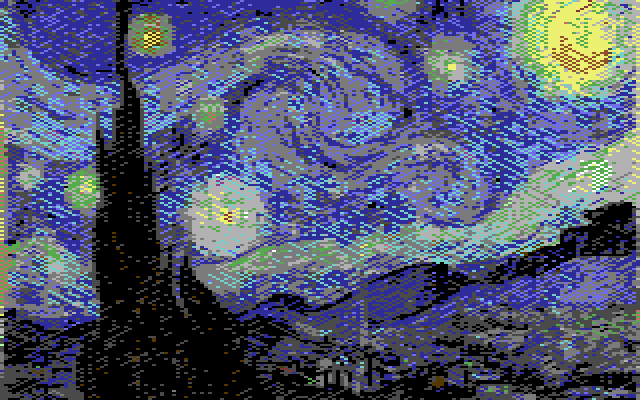
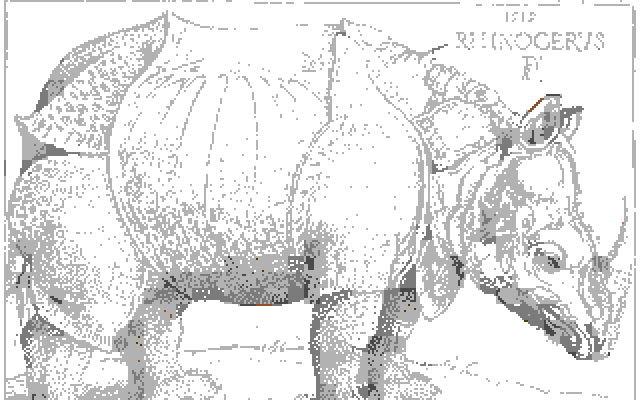
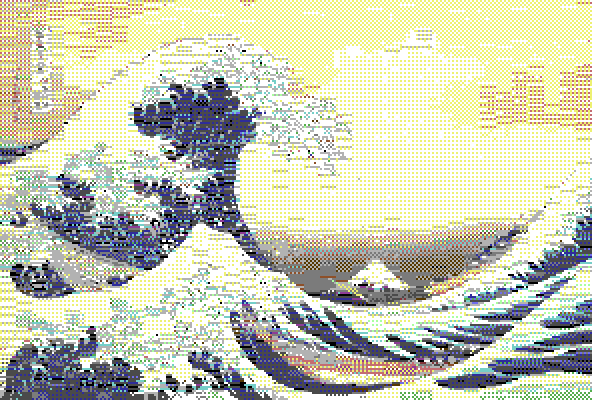
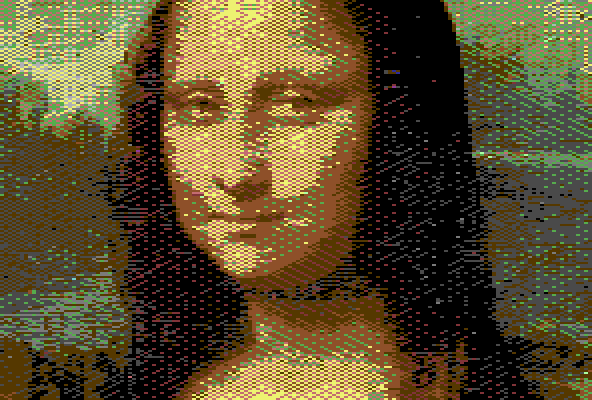
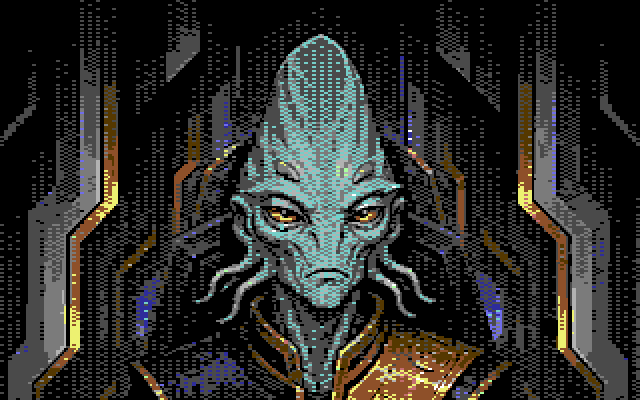
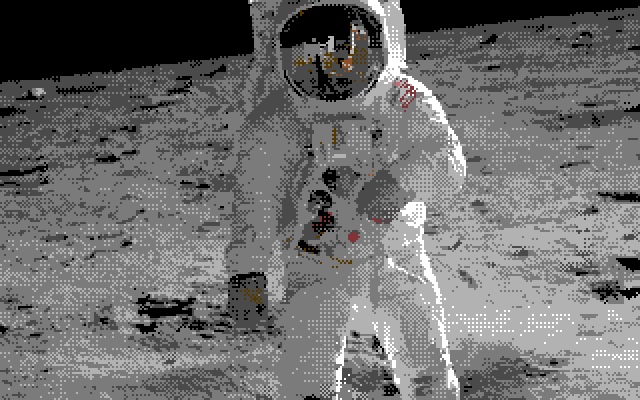
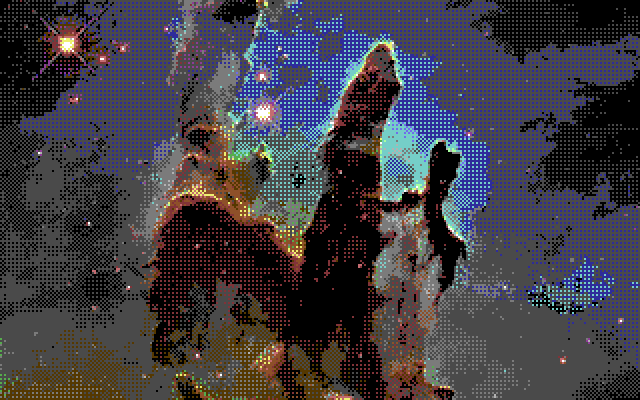
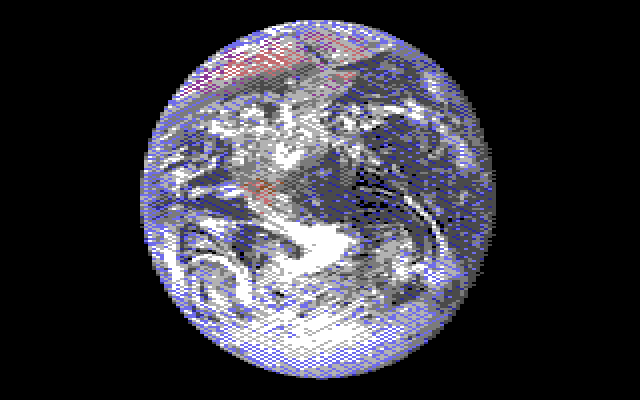
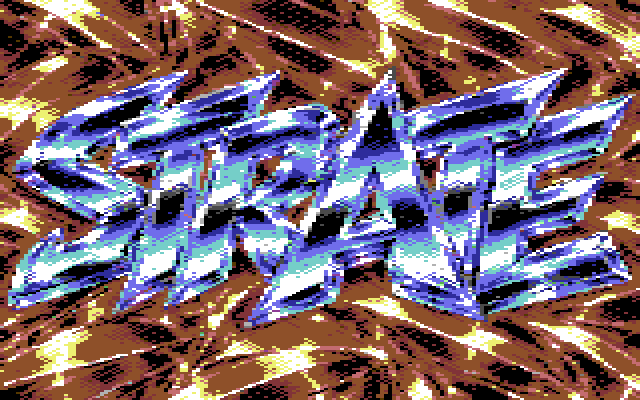
Each picture chosen for its format and converted by Mosaicus with settings tuned for it, the tone too (why tone matters); no hand edits. Apart from the alien ambassador and the chrome logo, the pictures are public domain (credits). All the formats
Learn it
The help explains every format, tool and option, from your first picture to the viewer source.